Automate Your Payments. Grow Your Business.
ITFair Pay helps businesses automate payment collection and verification through payment links, APIs, WooCommerce integration and a powerful merchant dashboard.
MFS · Bank · Payment links · API · WooCommerce
Today's Collection
৳71,400
Successful
47
Pending
5
Failed
2
Transactions
Payment Links
4
active · 204 payments
- TXN-20481Rahim U.৳1,500Verified
- TXN-20480Nusrat J.৳850Verifying
- TXN-20479Tanvir A.৳2,400Pending
Built for modern digital businesses
- E-commerce
- SaaS
- Digital Services
- Education
- Subscription Businesses
- Freelancers
- Agencies
- Online Stores
Payment automation
One automation layer for every channel you accept
Connect the accounts you already use to receive money. When transaction data arrives, ITFair Pay instantly matches it with the pending order and updates the payment status.
Mobile Financial Services
Supported MFS receiving numbers, personal or merchant.
Bank Payments
Bank transfer verification where transaction data is available.
Other Channels
Add new payment channels without rebuilding your checkout.
Core features
Everything you need to collect and verify payments
Instant Payment Verification
As soon as transaction data arrives, matching payments are verified automatically.
Personal Number Automation
Automate verification for supported personal or business receiving numbers.
MFS Support
Designed around supported Mobile Financial Services workflows.
Bank Payment Automation
Verify bank payments wherever transaction data is available.
Payment Links
itfair.bd/pay/your-brand/INV-10245
API Integration
Integrate payments directly into your website or app.
WooCommerce Integration
Update store orders automatically after verification.
Merchant Dashboard
Transactions, links, customers, channels, keys, webhooks and reports.
Custom Branding
Your logo, colours and pages on every checkout.
Webhooks
Real-time payment status events sent to your systems.
Notifications
Know when payments are received, verified, pending, failed or expired.
How it works
From payment to verified in four steps
- 01
Create Your Account
Sign up and create your business profile.
- 02
Connect Payment Channel
Configure supported MFS, bank or other receiving channels.
- 03
Customer Pays
Customer pays using your instructions or payment link.
- 04
Instant Verification
Matching transaction data updates the payment status instantly.
Matching payments are verified instantly when transaction data reaches ITFair Pay; connectivity and provider data availability can affect when that data arrives.
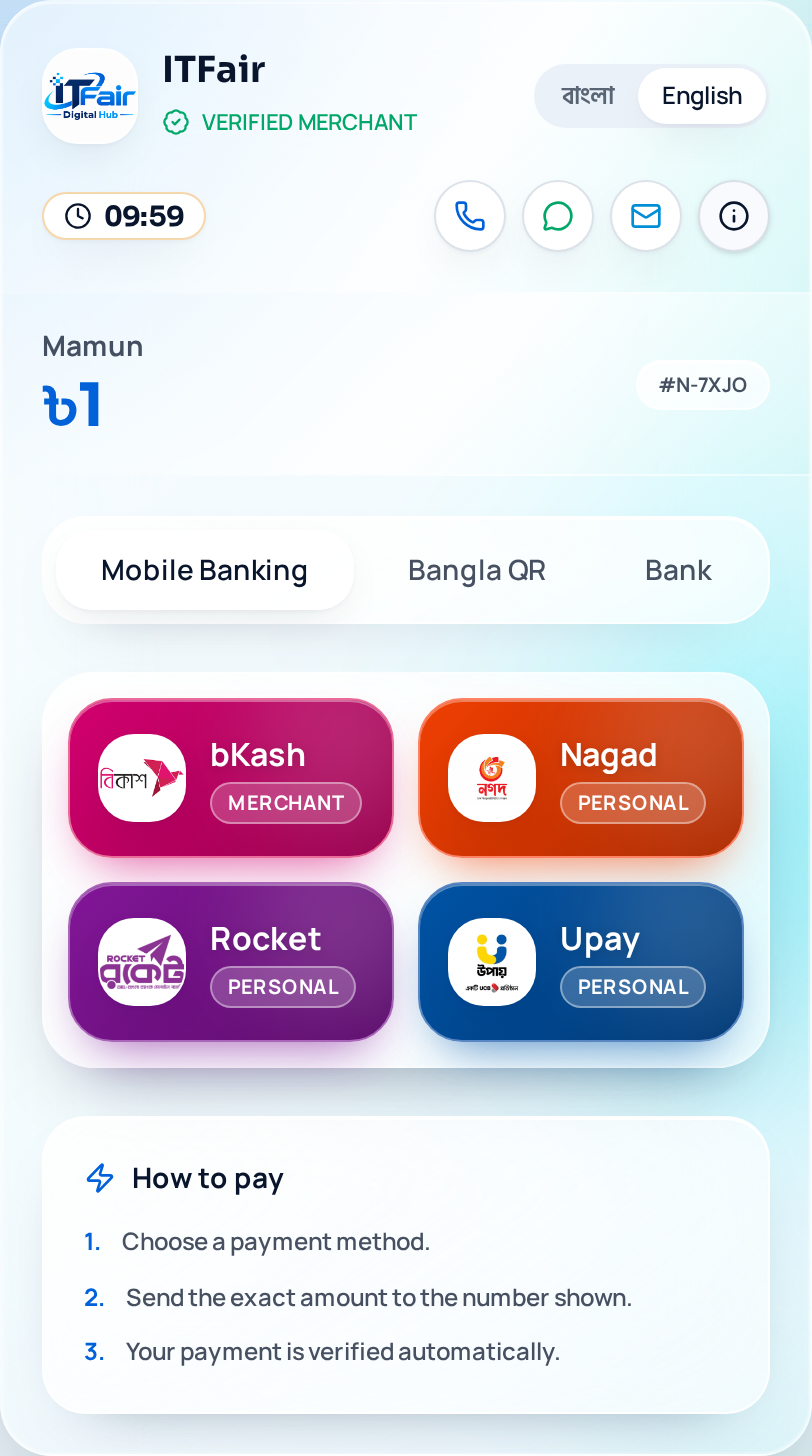
Payment links
Collect Payments With a Simple Link
No website needed. Create a link and share it on WhatsApp, Messenger, email or social media.
- 1Create payment link
- 2Fixed or customer-entered amount
- 3Add invoice / order ID
- 4Add customer information
- 5Set expiry
- 6Select payment channels
- 7Generate, copy & share
Payment Link
Active- Views
- 128
- Payments
- 32
- Collected
- ৳48,500
Sample figures for illustration.